Subscriptions#
To retrieve and export information about clients who submitted requests through the contact form on the website:
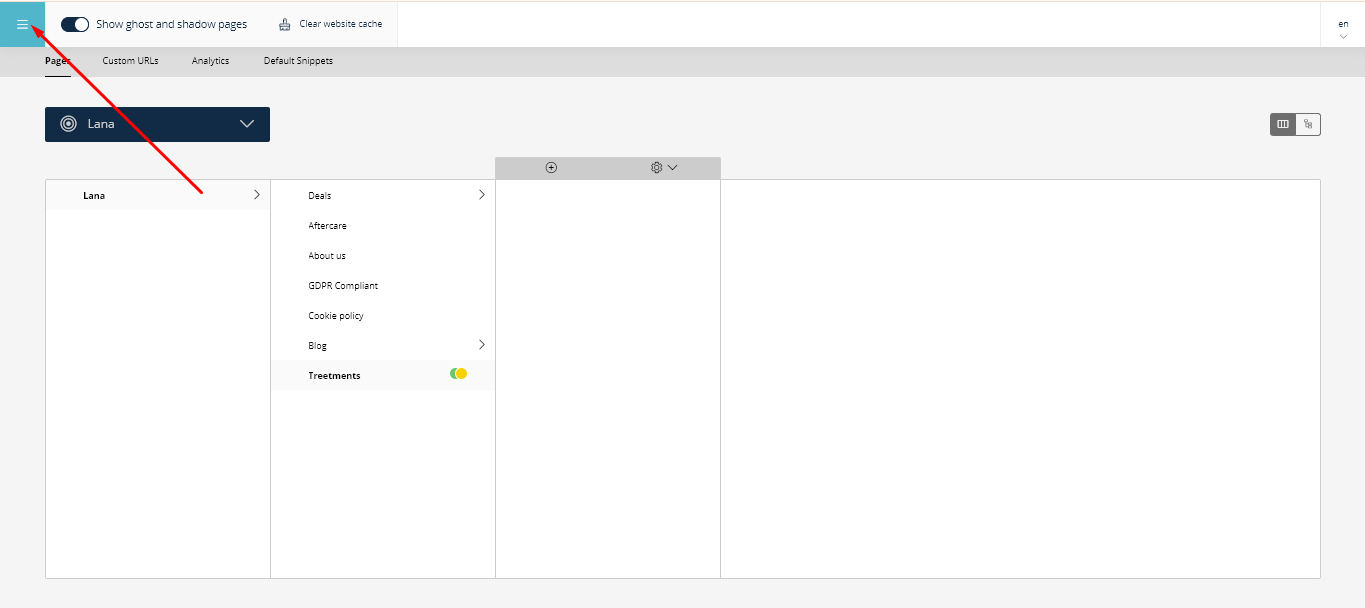
Click on the general menu button in the panel:
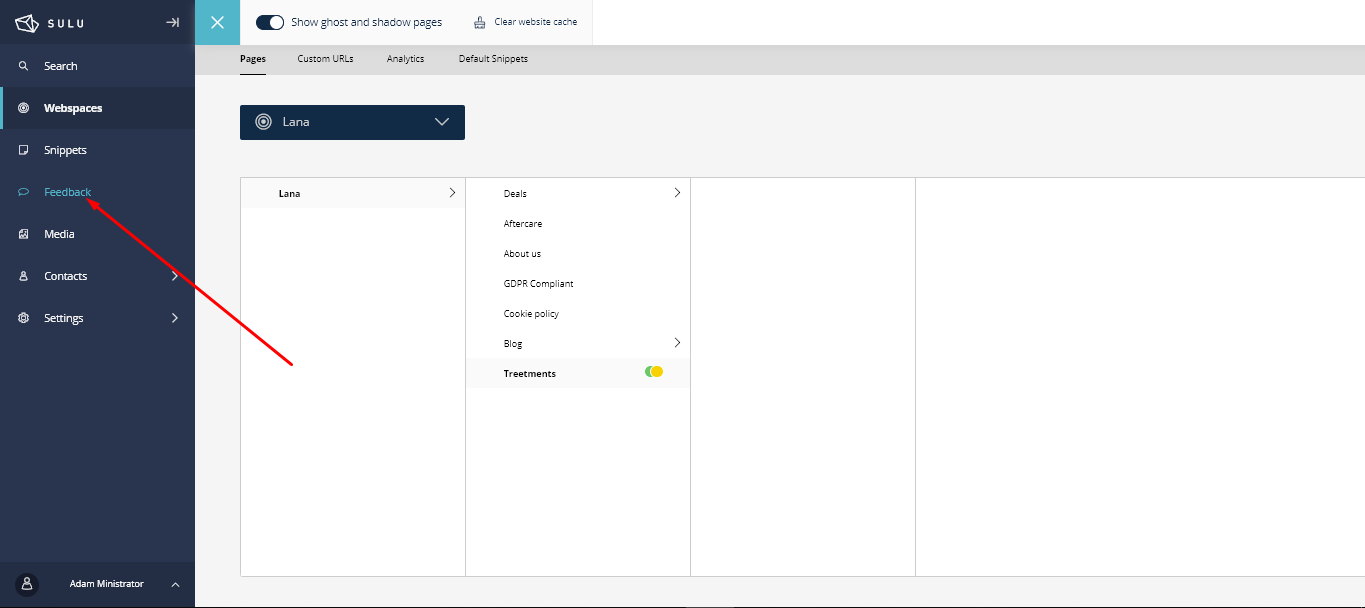
Go to the Feedback menu:
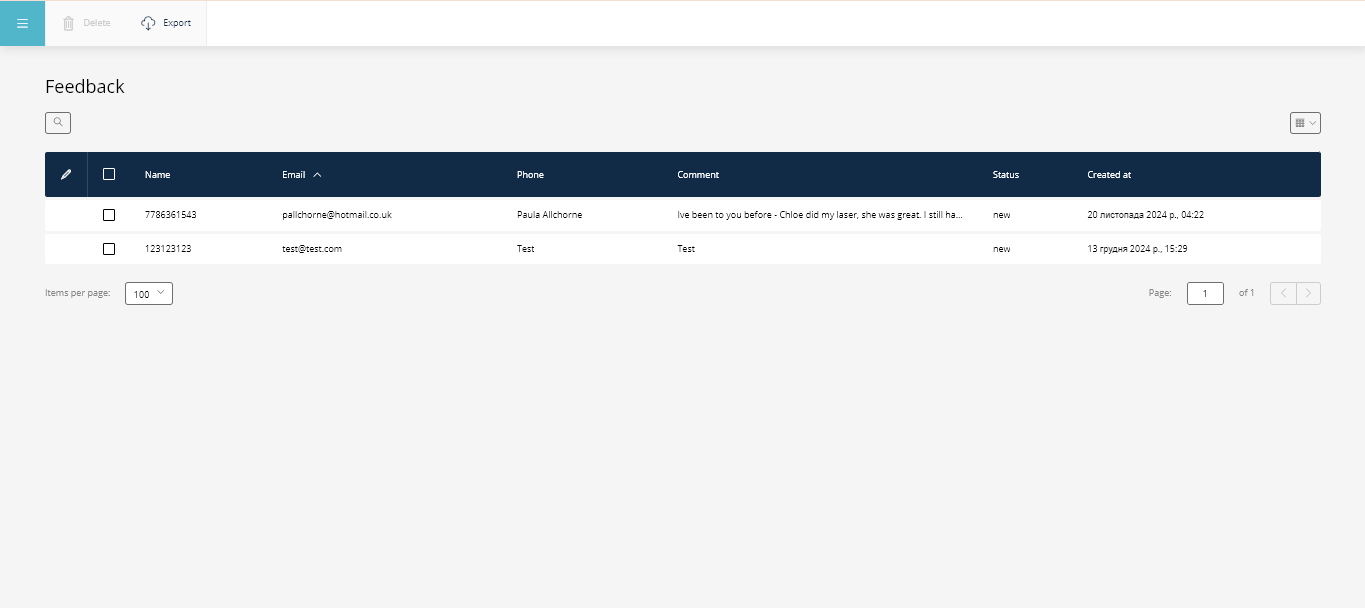
You will see a list of clients who submitted requests, including their contact details and questions:
You can also export all data into a CSV file by clicking the corresponding button:
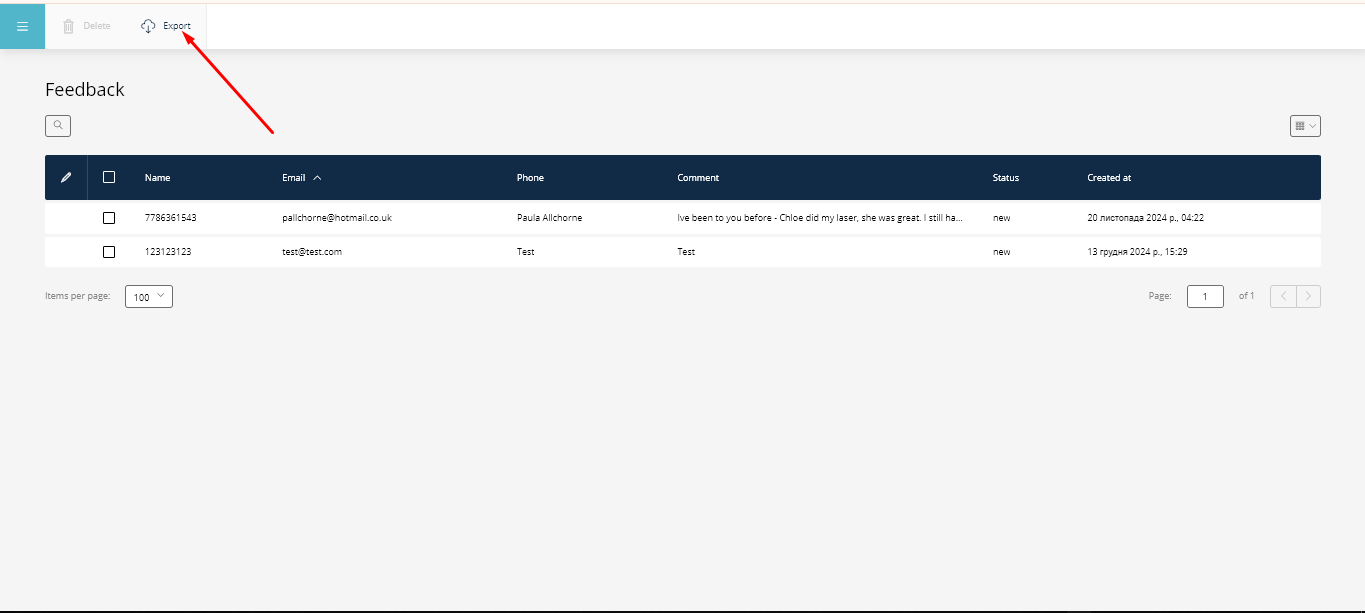
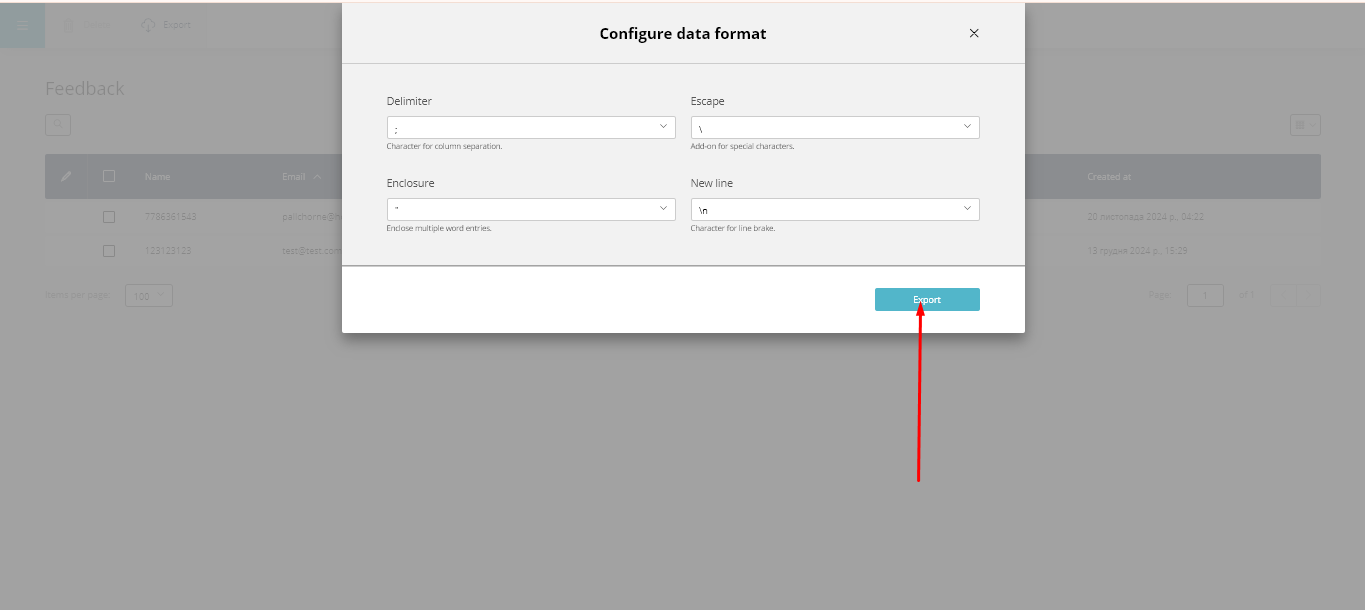
Then, click Export:
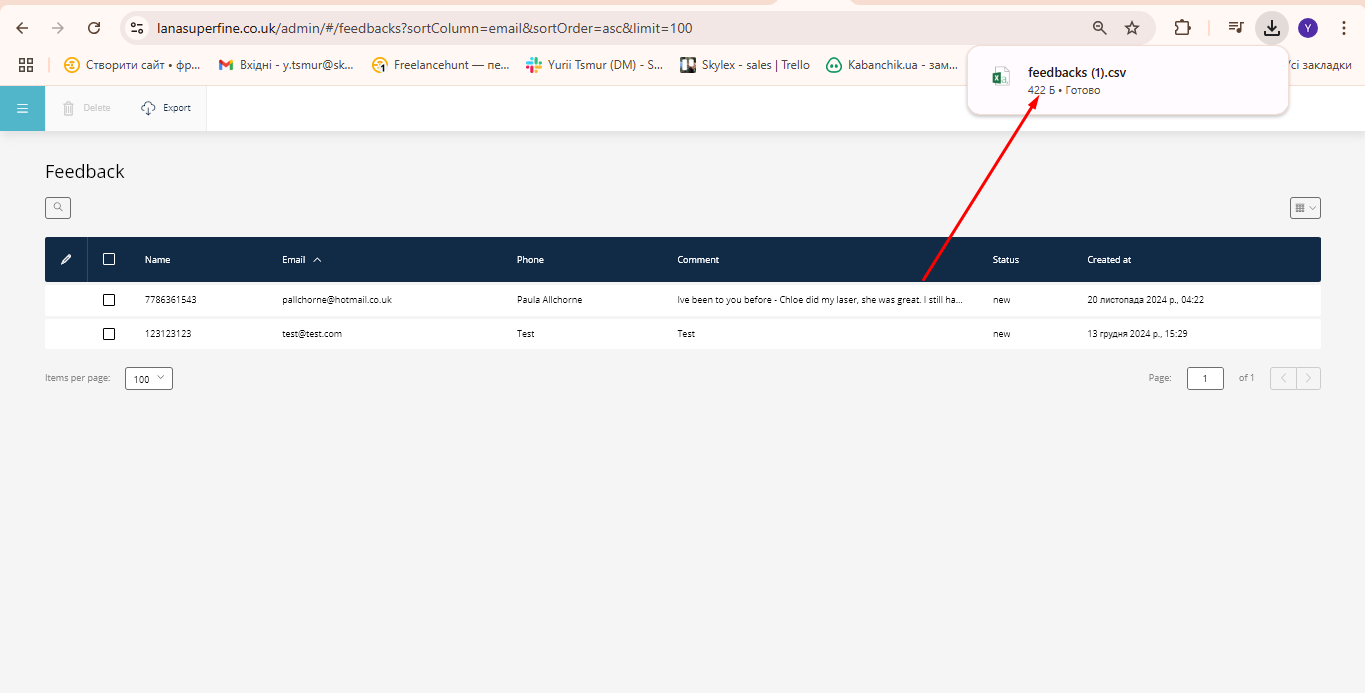
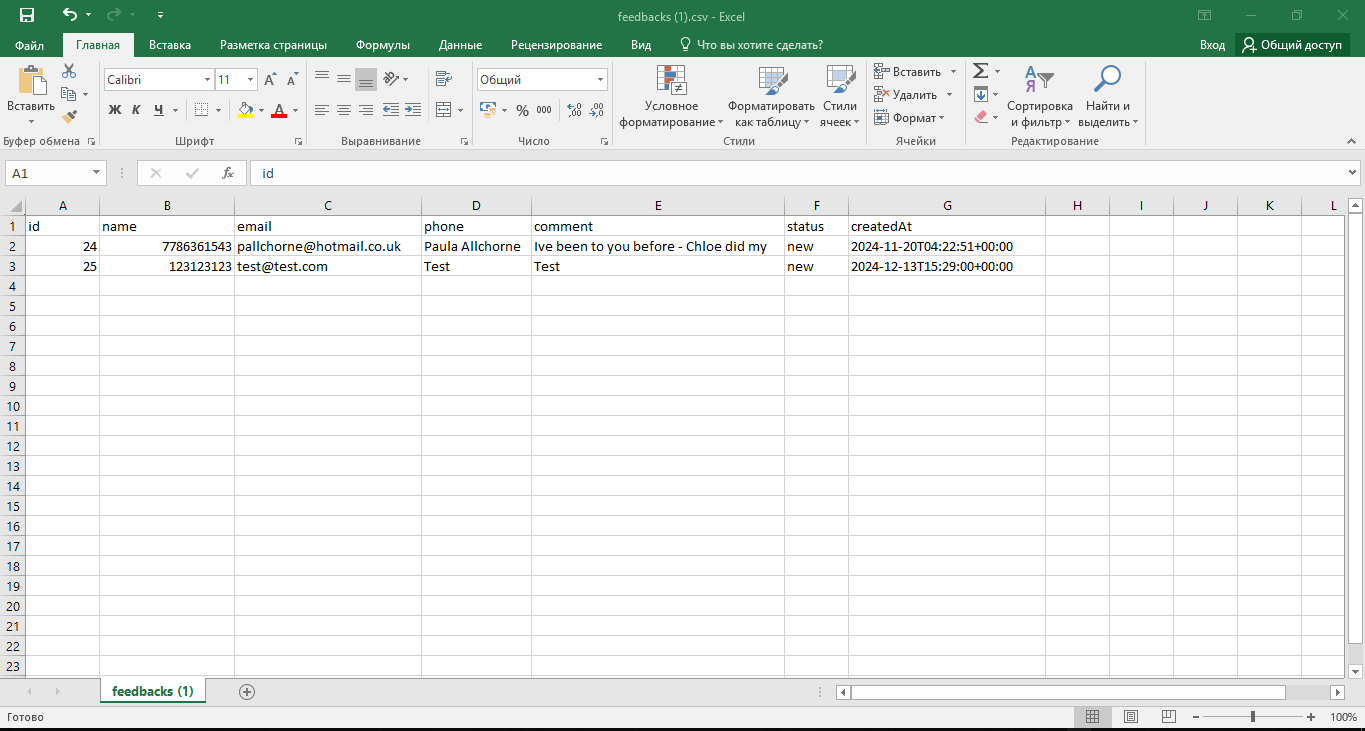
Your file is now ready:
Additionally: Notifications about new requests will be sent to the Telegram bot.